
If you’re subscribed to Chat notifications (more about notifications here), you’ll receive a notification when you receive a new chat message:
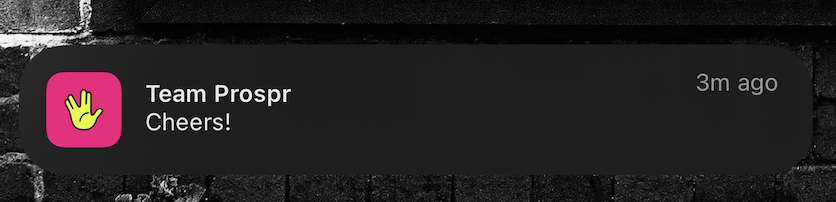
If you’ve cleared the alert or want to reference a Chat later, follow these steps to locate it quickly.
Mobile App
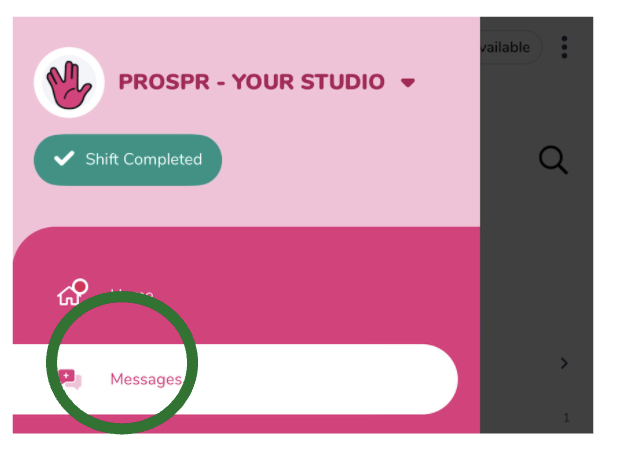
1) Open your app menu by tapping the two lines in the top left corner of your screen.
2) Navigate to “Messages”.
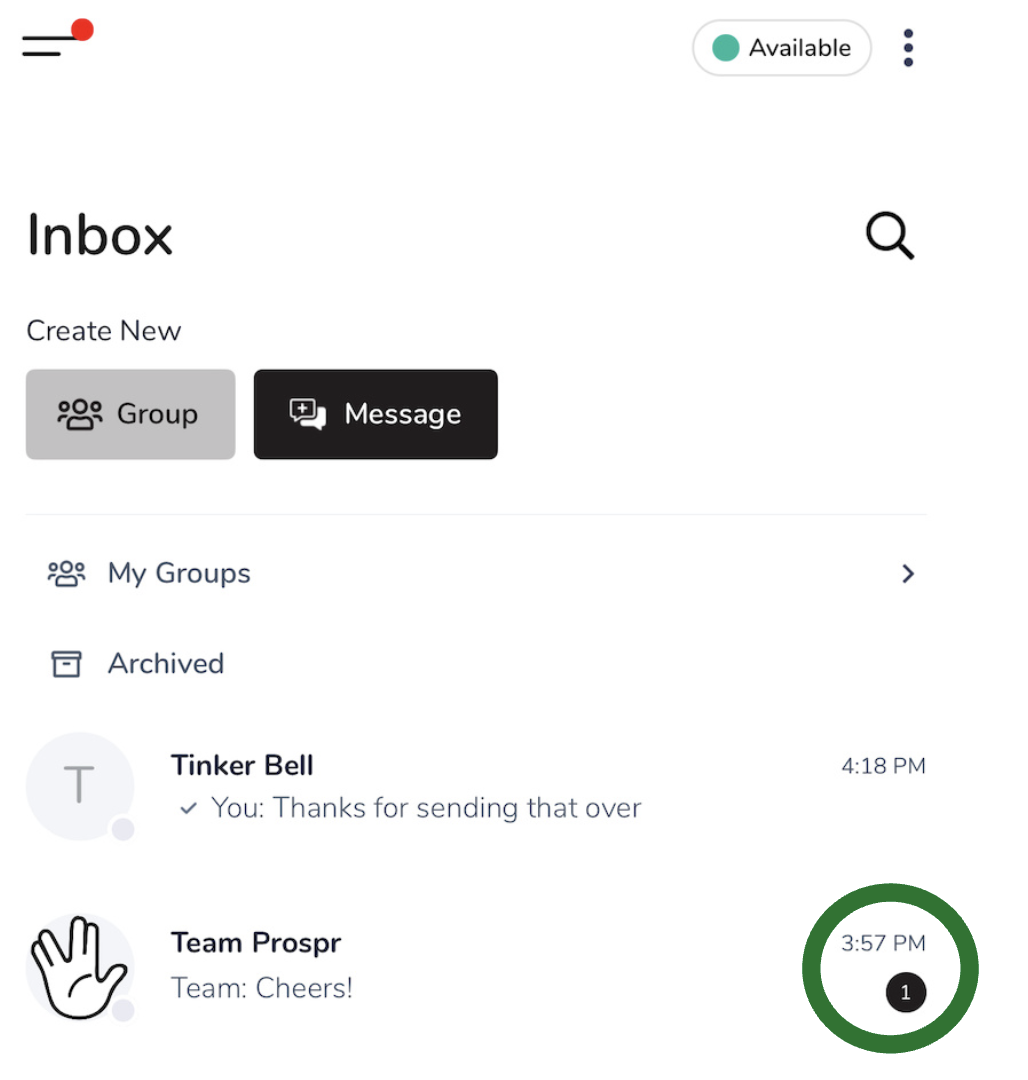
3) You will see all of your active threads here. Threads with unread messages will show an “unread” count.
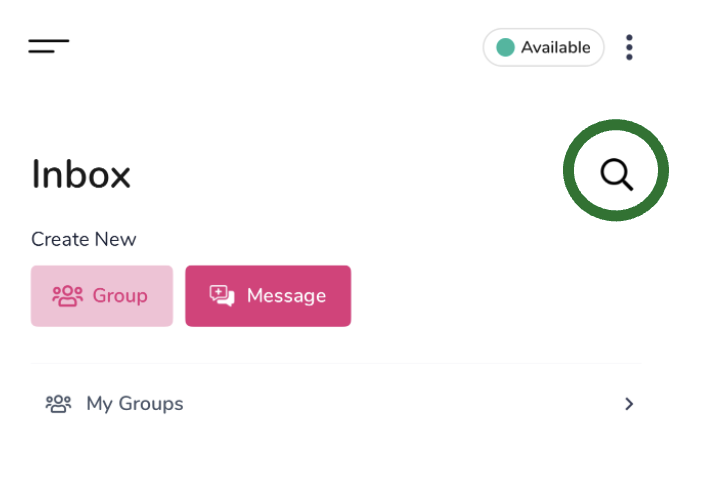
4) Use the search (magnifying glass) to locate messages or files in your active threads.
Learn more about managing your inbox here:
How to Mute, Archive, and Leave a Chat
Manage the chats coming to your inbox
Web App
There are two ways to open your inbox on the Web App.
1A) Open your menu on the left and click on "Messages".
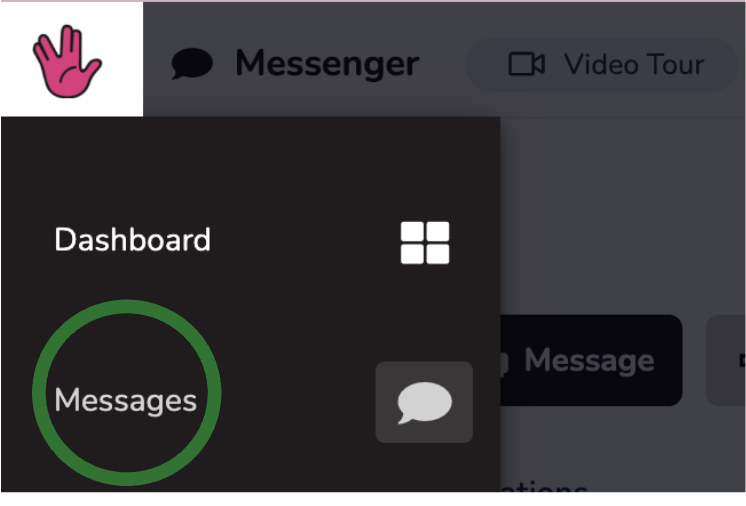
1B) Message “Envelope” Shortcut (upper righthand corner of your app)

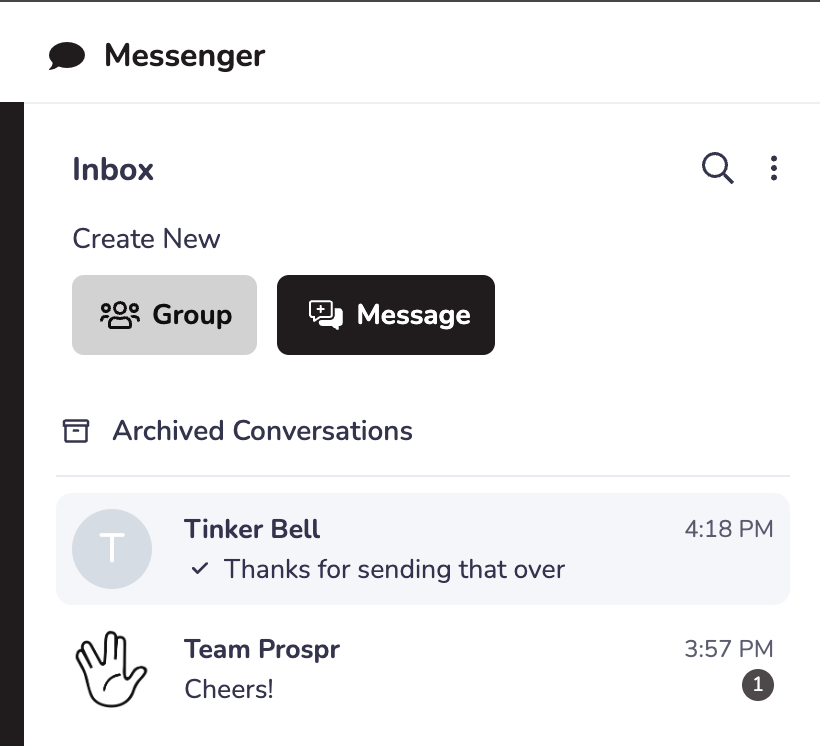
2) You will see all of your active threads here. Threads with unread messages will show an “unread” count.
3) Use the search (magnifying glass) to locate messages or files in your active threads.
Learn more about managing your inbox here:
How to Mute, Archive, and Leave a Chat
Manage the chats coming to your inbox