
Note: First, the setting needs to be enabled for "Ad Hoc Shifts". See below if you need a hand finding where to enable this (for Admins).
Customizing Open/Close Settings
Learn how to set clock in/out policies
Mobile App
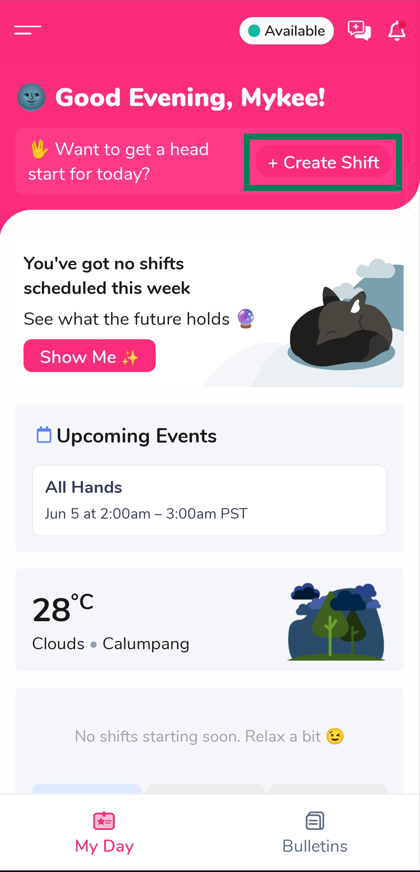
1.) While in the mobile app, tap “+ Create Shift” located in the top banner labeled “Want to get a head start for today?”
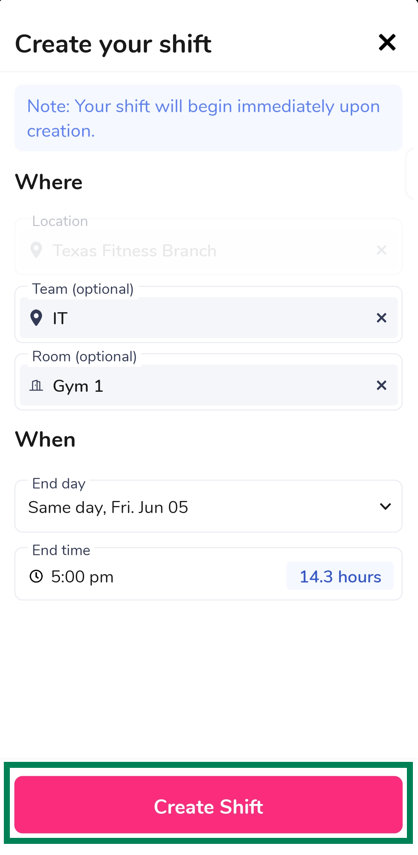
2.) Choose the Location, Team (Optional), Room (Optional), End day, and End time. Then tap “Create Shift”
Web App
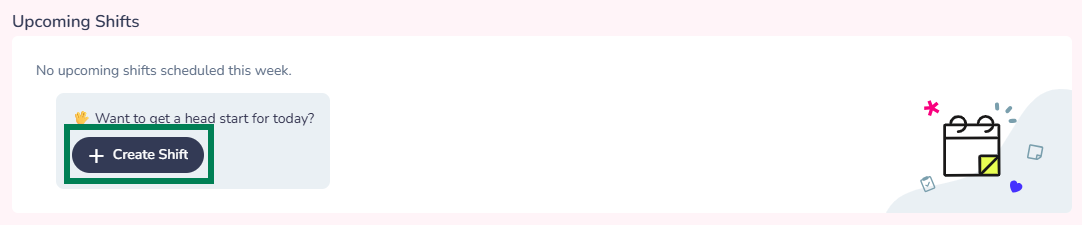
1.) While in the web app, click “+ Create Shift” located in the “Upcoming Shifts” banner
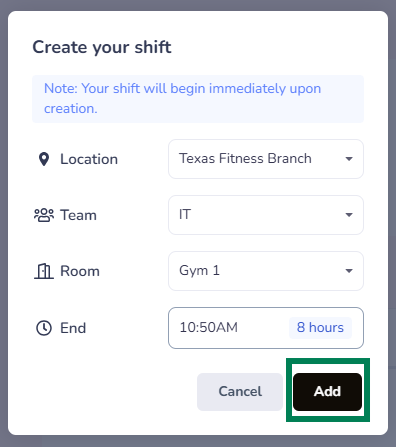
2.) Choose the Location, Team (Optional), Room (Optional), End day, and End time. Then click the “Add” button