
Gather insights directly from your team with Prospr Surveys. Send targeted surveys pre-shift, post-shift, or on a scheduled cadence when employees open the app.

- You must use Prospr Scheduling to use pre & post shift triggers.
- You must be a Prospr Admin or Manager to create new surveys
1) On the Prospr Web App, open your left panel and select “Surveys”.
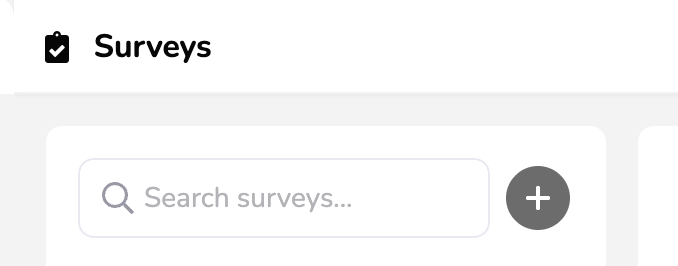
2) Search for existing or create new surveys in the upper left
3) Determine your Survey audience
Global - or - Location(s) required
You can segment further by specific Team(s) as well
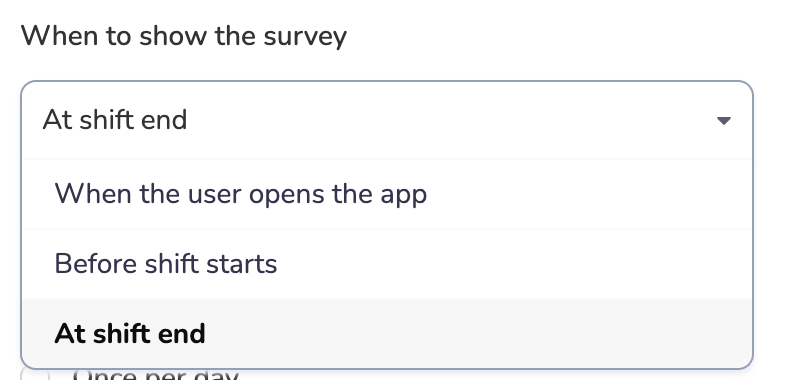
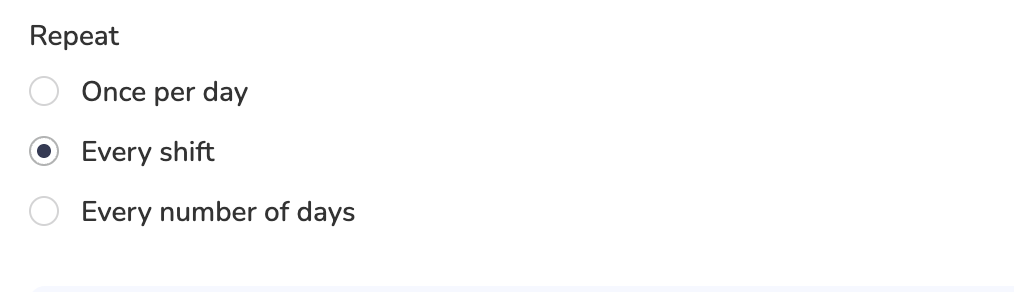
4) Determine your survey trigger and repetition
5) Build and order your survey questions:
Question type: Yes/No, Free Input, Choose One, or Choose Multiple
Checkmark for “Response Required”
Checkmark for “Response Triggers Alert”
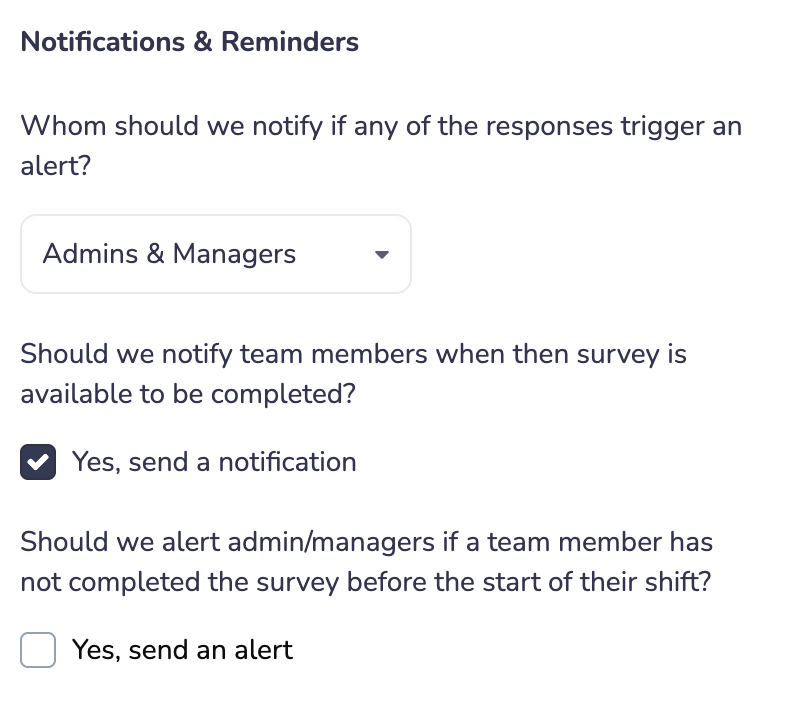
Customize your Notifications & Reminder settings, too:
6) When ready, publish your survey in the upper right. If surveys are already live, you will also see this in your survey settings.
Taking Surveys
Learn how to participate in surveys that have been assigned to you
Accessing Survey Responses & Read Receipts
Learn how to view survey logs, summaries, and content via csv