
1) On the Prospr Web App, open your left panel and select “Surveys”.
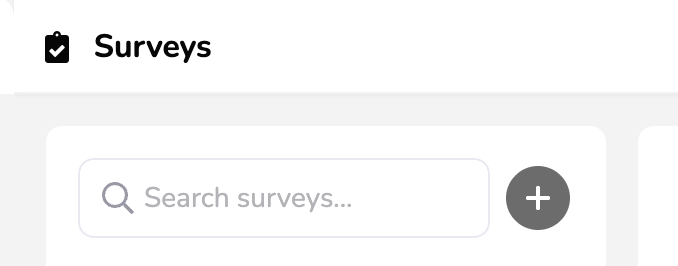
2) Search for existing surveys in the upper left
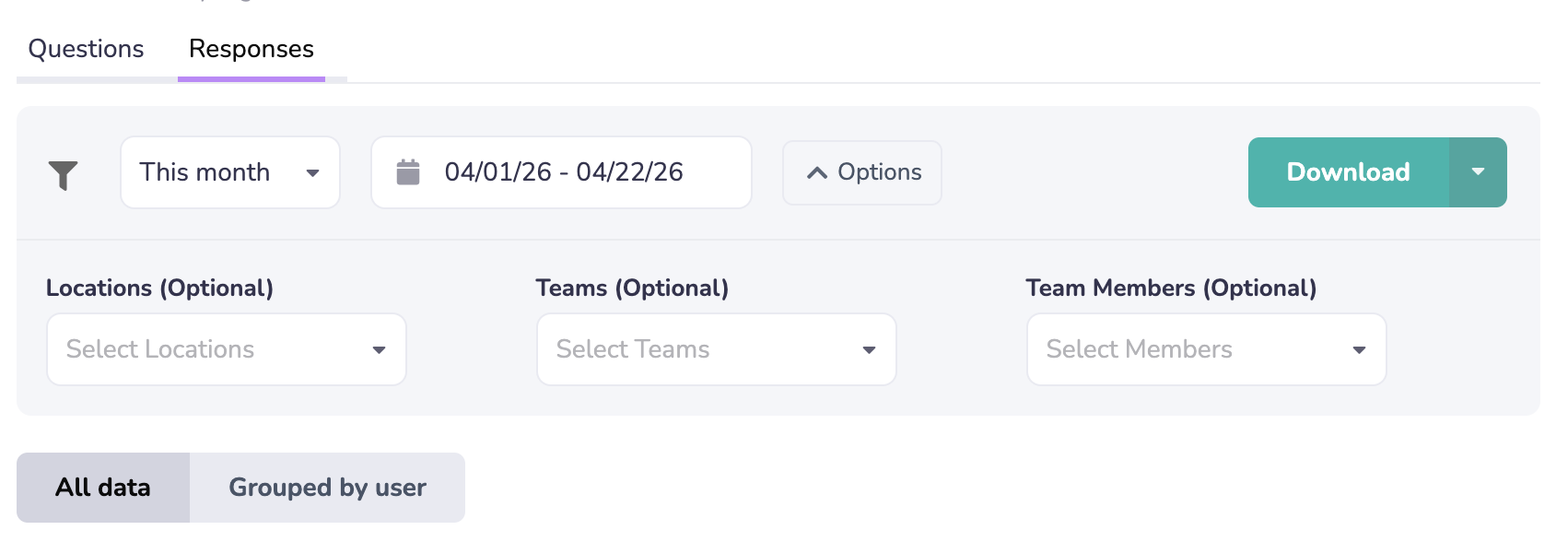
3) Click on your Survey and then the “Responses” tab.
Filter to find what you need. Download Excel or CSV files of your responses.
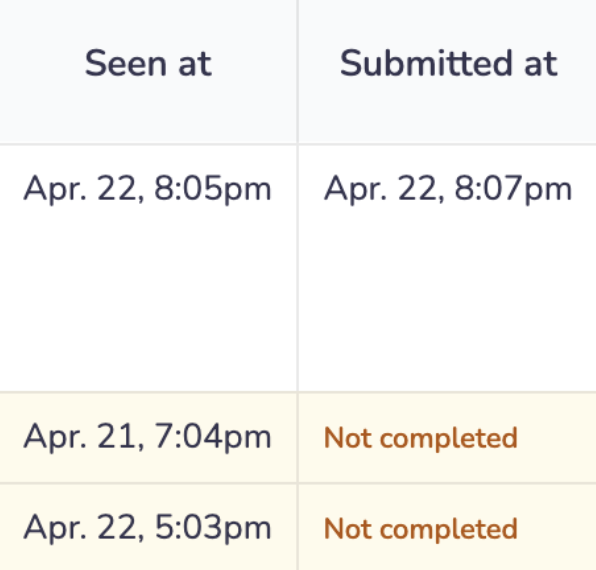
Review Seen & Submitted timestamps for your survey audience.
Creating Surveys
Learn how to create scheduled surveys for your team