
Your company leaders may build and schedule surveys for you to take using the Prospr app. These may trigger based on:
The start of your shift
The end of your shift
Another pre-determined schedule that your company has chosen
If enabled, notifications can let you know when a survey is available for you, too.
You can also access any of your open surveys from your Dashboard on mobile & web.
Mobile (My day):
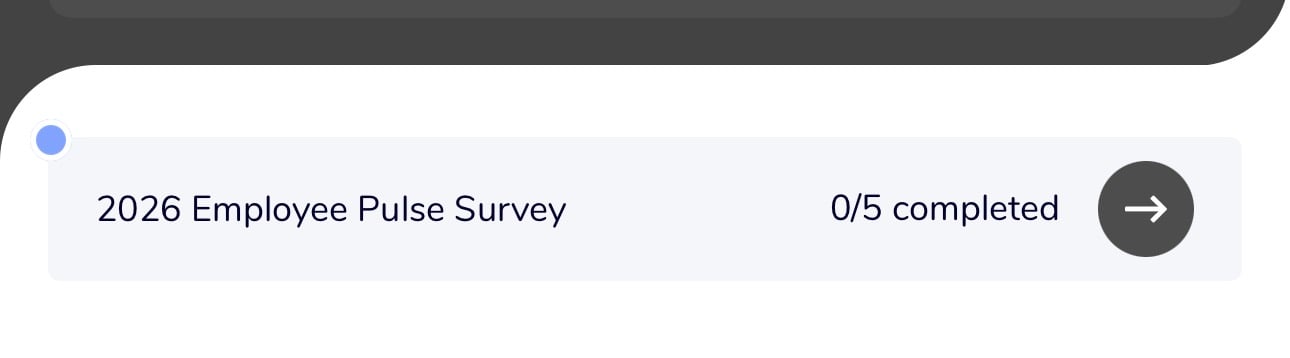
Web:

1) Click on the survey links, when notified, or prompted in the app.
2) Respond to the question(s) and click “Next” to complete them all.
You can also go “Back” to modify answers to any previous questions.
3) On the final question page hit “Submit Responses”.
4) That’s it! Your survey will be recorded and sent to your company's Managers & Admins.