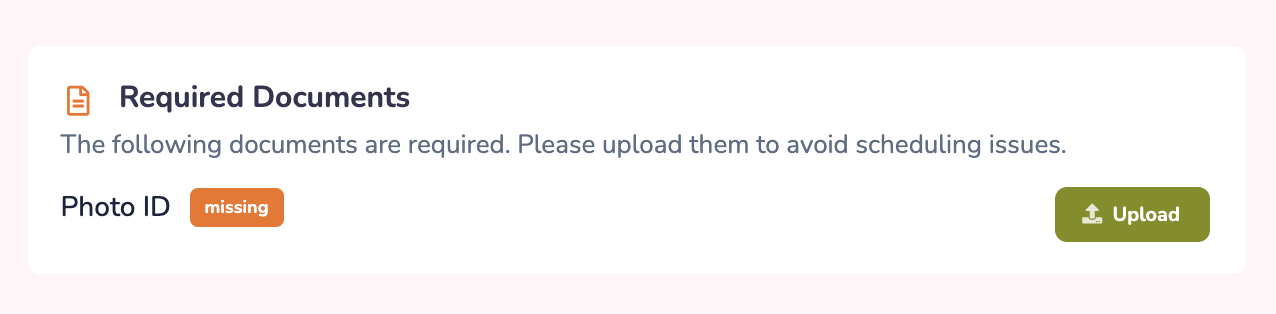
Your workplace may request or require certain documents from you and ask that they be uploaded and stored in Prospr. This helps keep important employment records organized, up to date, and easy for your management team to review when needed.
You can add these directly using the Prospr web and mobile apps.
Mobile App
1) Open your app menu by tapping the two lines in the top left corner of your screen.
2) Tap "Settings"
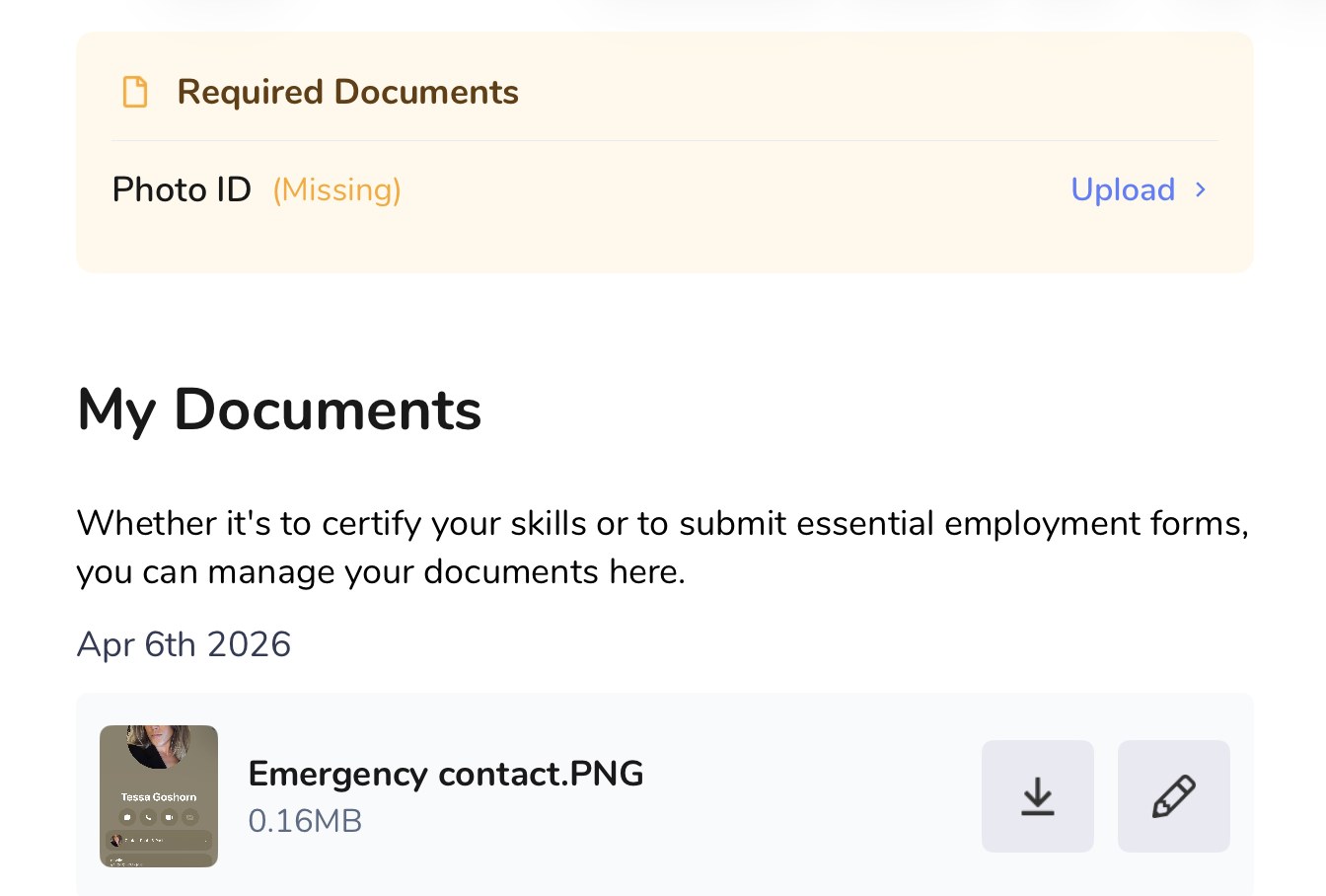
3) Tap "My Documents" to view existing documents and upload any required documents from the top of your screen.
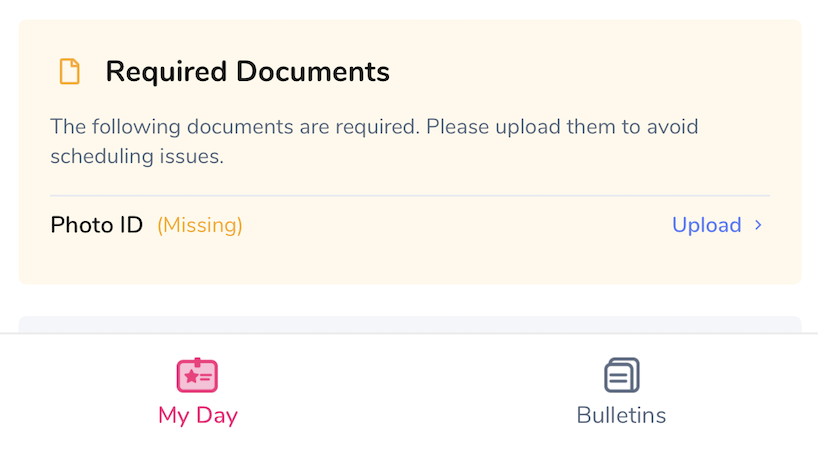
If you have pending required documents, your My Day section will also show this:
Web
1) While in the web app, click your profile image in the top right corner of your screen.
2) Click on "Profile Settings."
3) Locate the profile tabs to the left of your photo and click the “Documents” tab. View existing documents and upload any required documents from the top of your screen.
If you have pending required documents, your Dashboard will also show this: