
Mobile
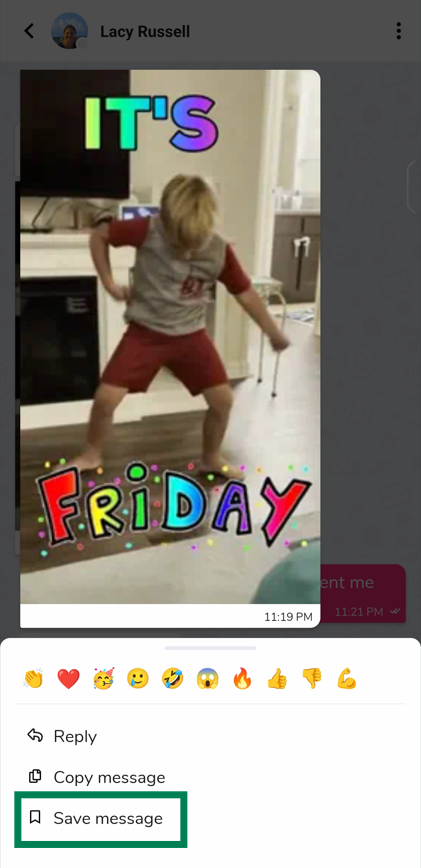
1) From within your message thread, long-press the message that you wish to save, then tap “Save message”.
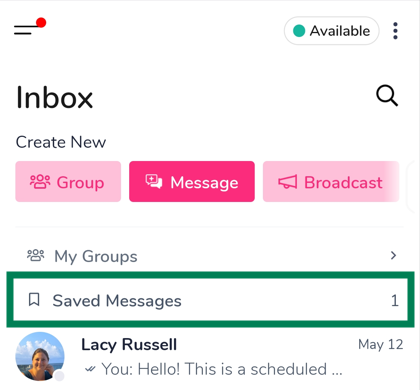
2) To recall your saved messages, tap on the Saved Messages section in your inbox.
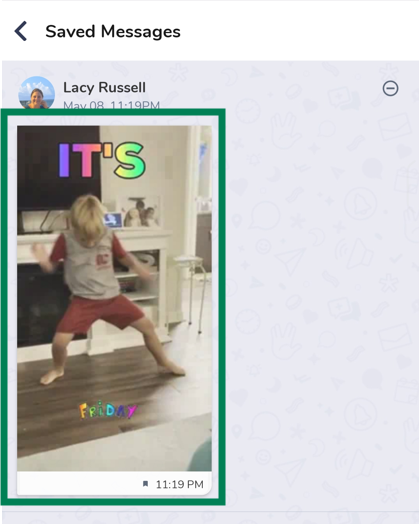
3) Tap the message body to go back to the chat and reply as needed.
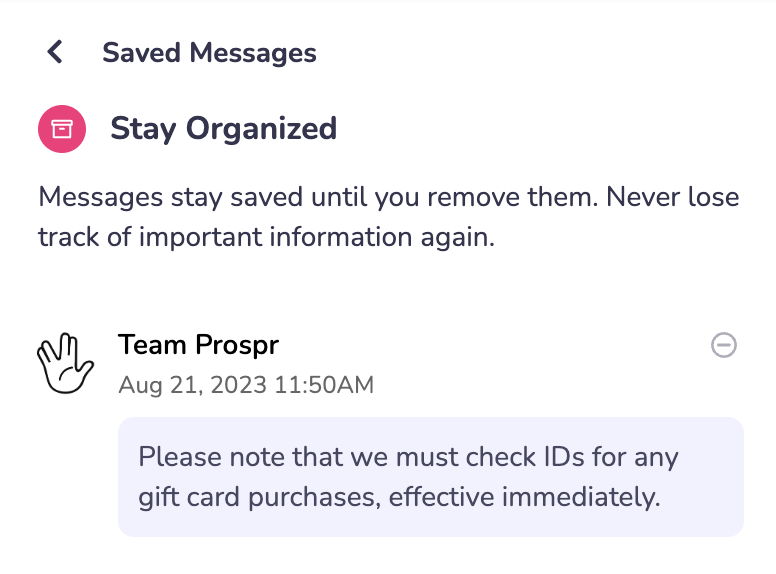
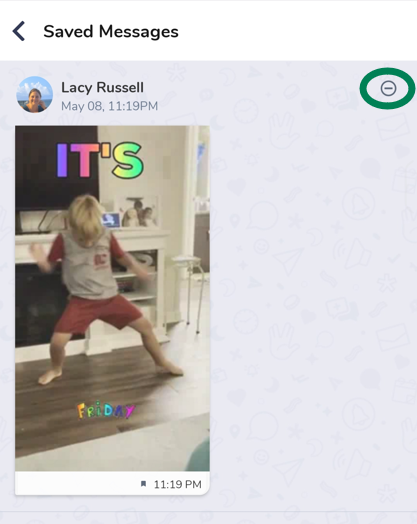
4) When you don’t need your message saved anymore, use the Remove button to take it out of your Saved section.
Web
1) From within your message thread, hover over the message that you wish to save and click the three dots.
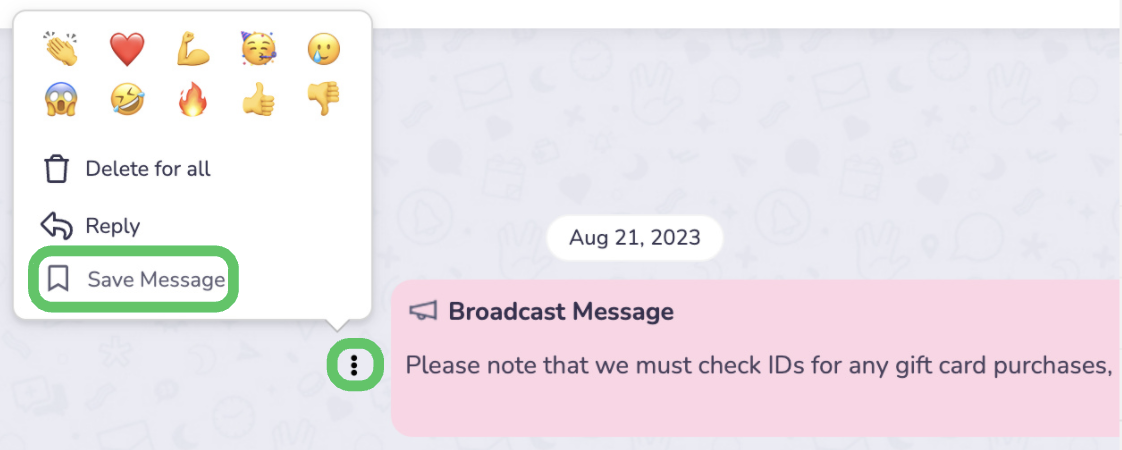
2) Select the option to Save Message.
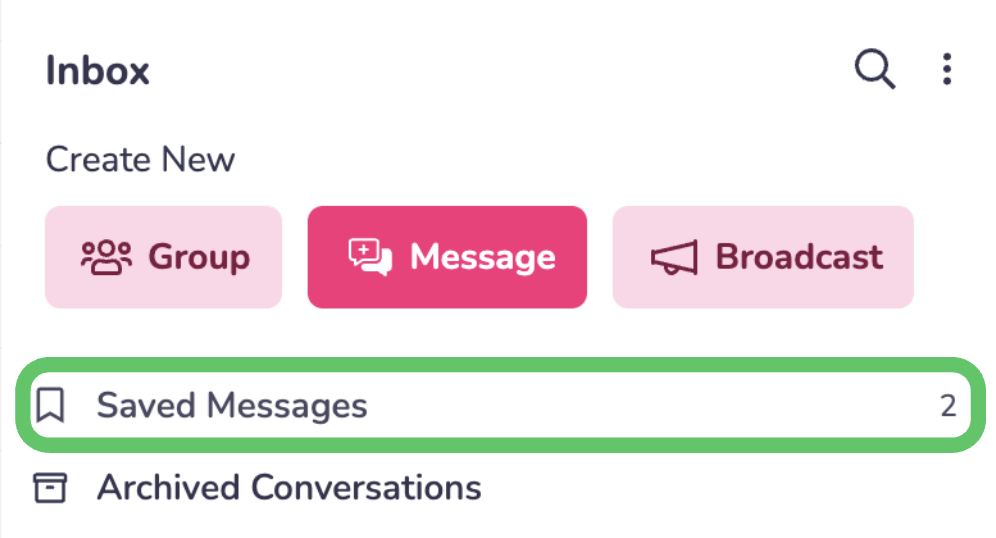
3) To recall your saved messages, click on the Saved Messages section in your inbox.
4) Click the message body to go back to the chat and reply as needed. When you don’t need your message saved anymore, use the Remove button to take it out of your Saved section.