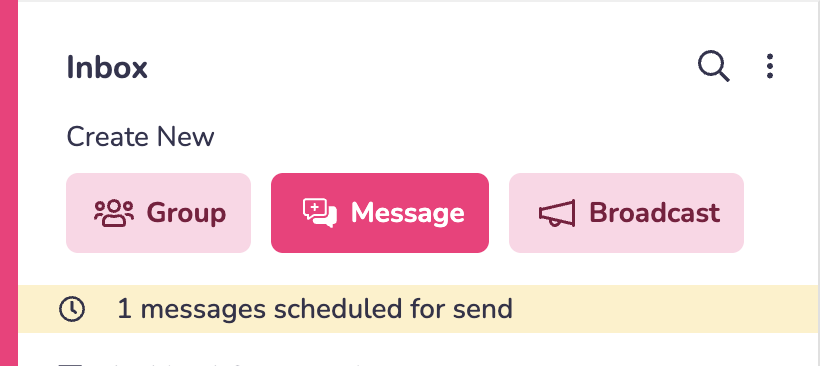
Mobile App
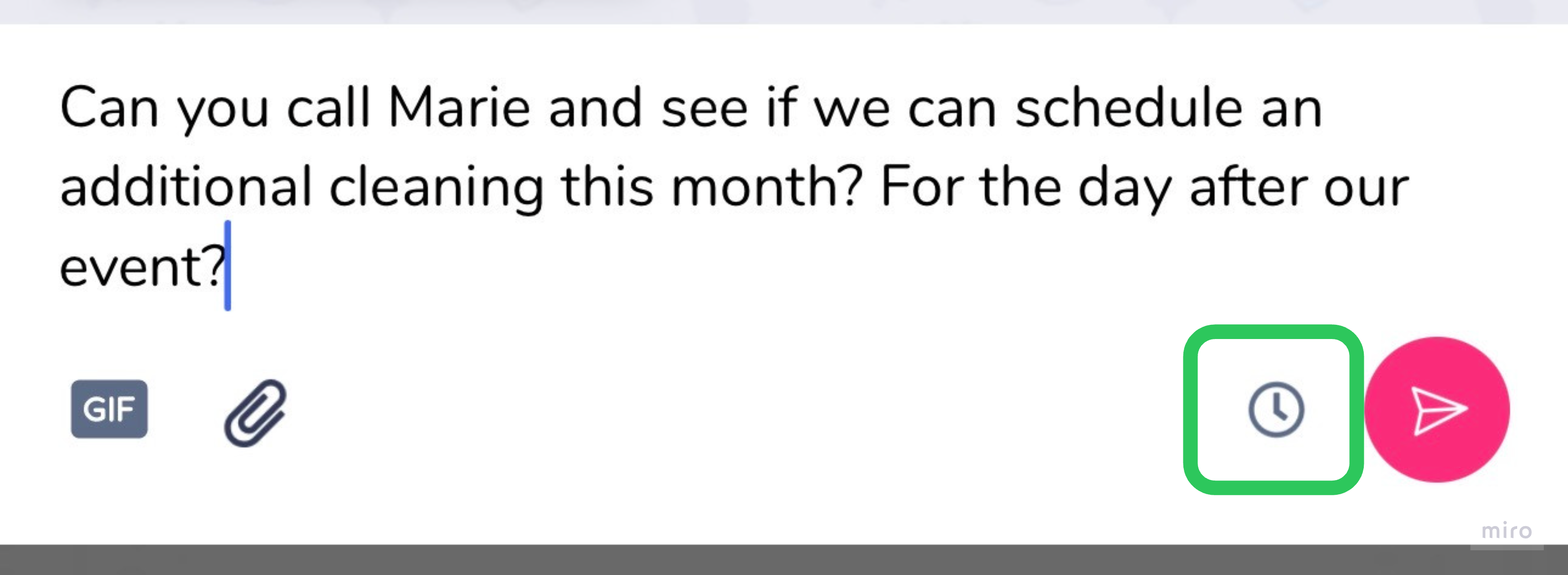
1) When you begin typing in your message box, a clock icon will appear. Click this.
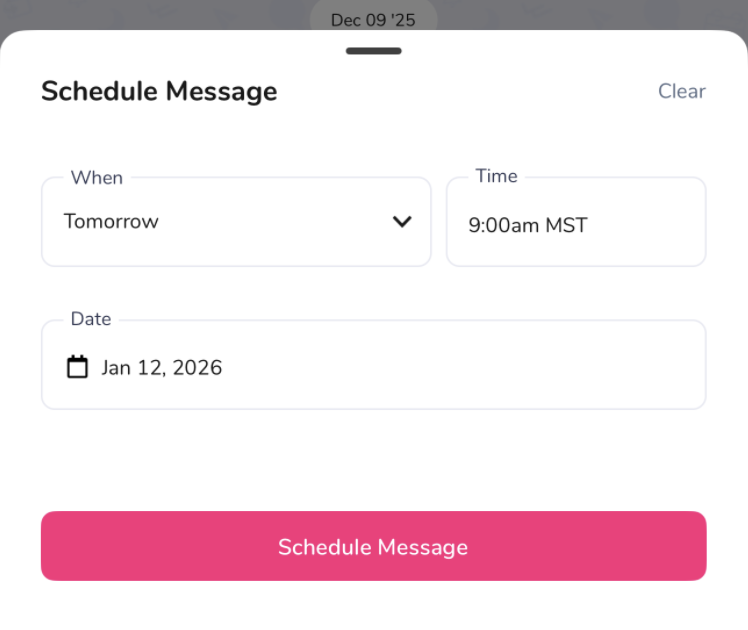
2) A pop-up will open. Use it to choose a future time and date. Your message will be sent then!
3) Need to make a change? Edit or cancel any scheduled message from your Inbox.
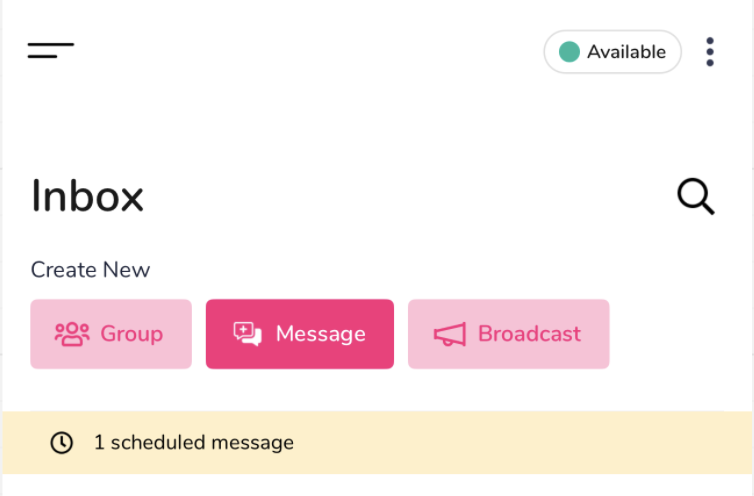
Web
1) When you begin typing in your message box, a clock icon will appear. Click this.

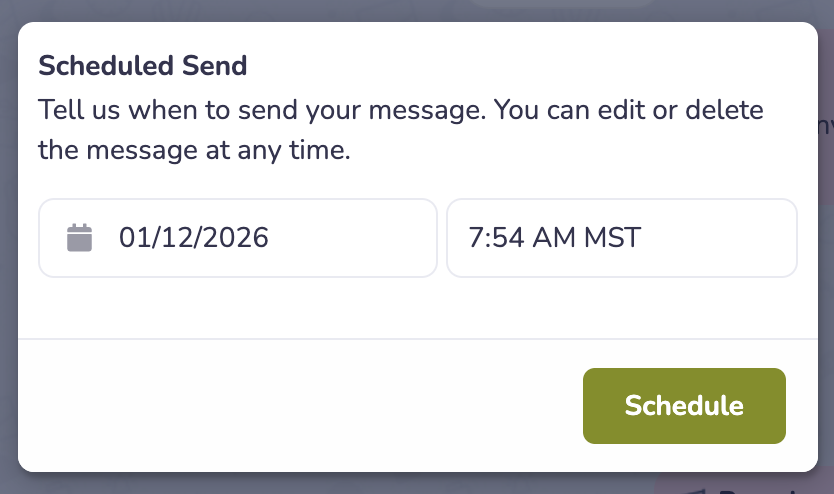
2) A pop-up will open. Use it to choose a future time and date. Your message will be sent then!
3) Need to make a change? Edit or cancel any scheduled message from your Inbox.