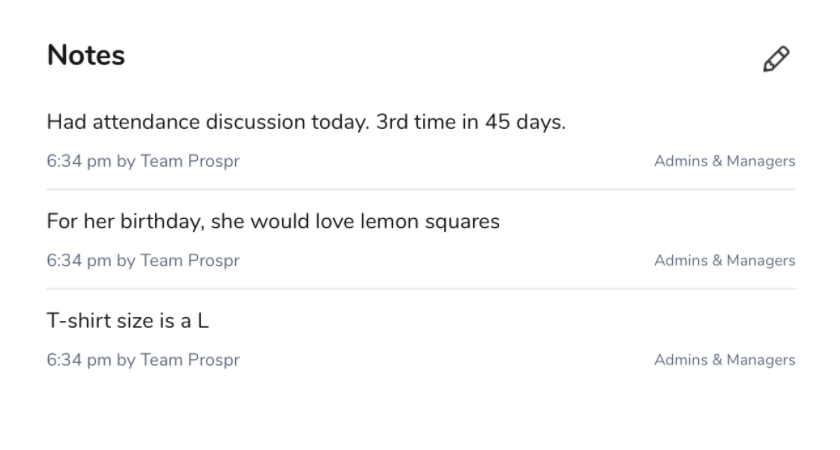
Use the Notes section to keep important information organized in one place. You can track things like coaching conversations, raise history, disciplinary discussions, employee preferences, and performance notes. Maintain clear records to stay aligned & on track.
Web
1) On the web app, head to "Settings" in your menu bar.
2) Select "Users."
3) Find the user and click on their name to open their profile.
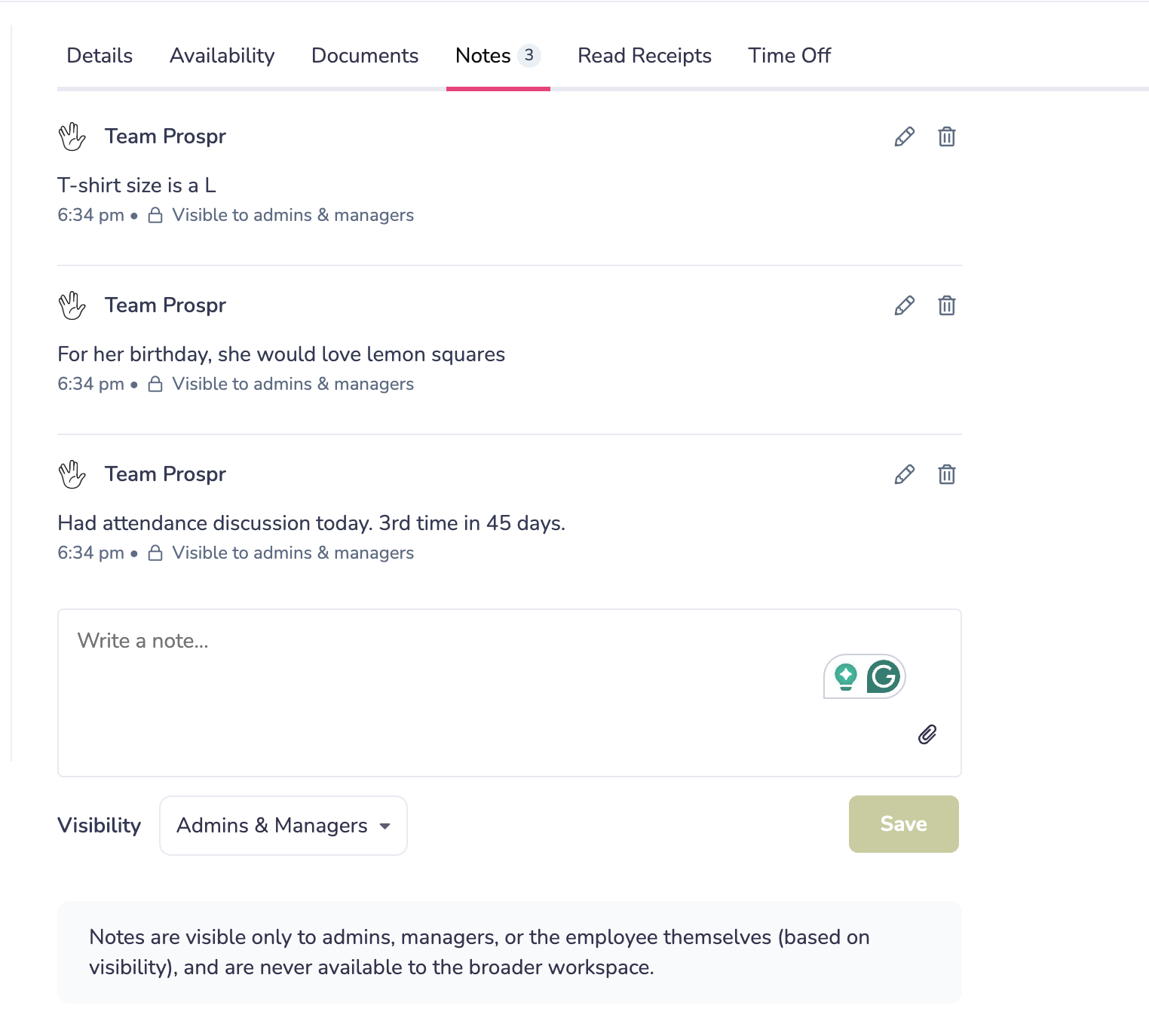
4) In the Notes tab, you can add to and access prior notes.
Mobile App
1) From your left-hand menu, select "Directory".
2) Search for or scroll to select the correct user. Then, click on their name to open their profile.
3) Click the “Work Information” tab.
4) Scroll to the Notes section to access existing entries. Use the pencil icon to edit or add.