
Advanced Time Tracking must be enabled by your Prospr account manager. Reach out today if you would like to leverage these.
These settings may be applied at the Team-level & include:
Configurable shift minimums
Grace-period clock-in tiers with 15-minute interval docking (e.g. clocking in after 7 minutes docks 15 minutes, after 22 minutes docks 30)
Team-specific break rules
Per-team overtime exemptions
Double-time pay for hours worked on designated holidays
1) On the Prospr Web App, go to Settings > Teams.
2) Click the Payroll overrides dropdown
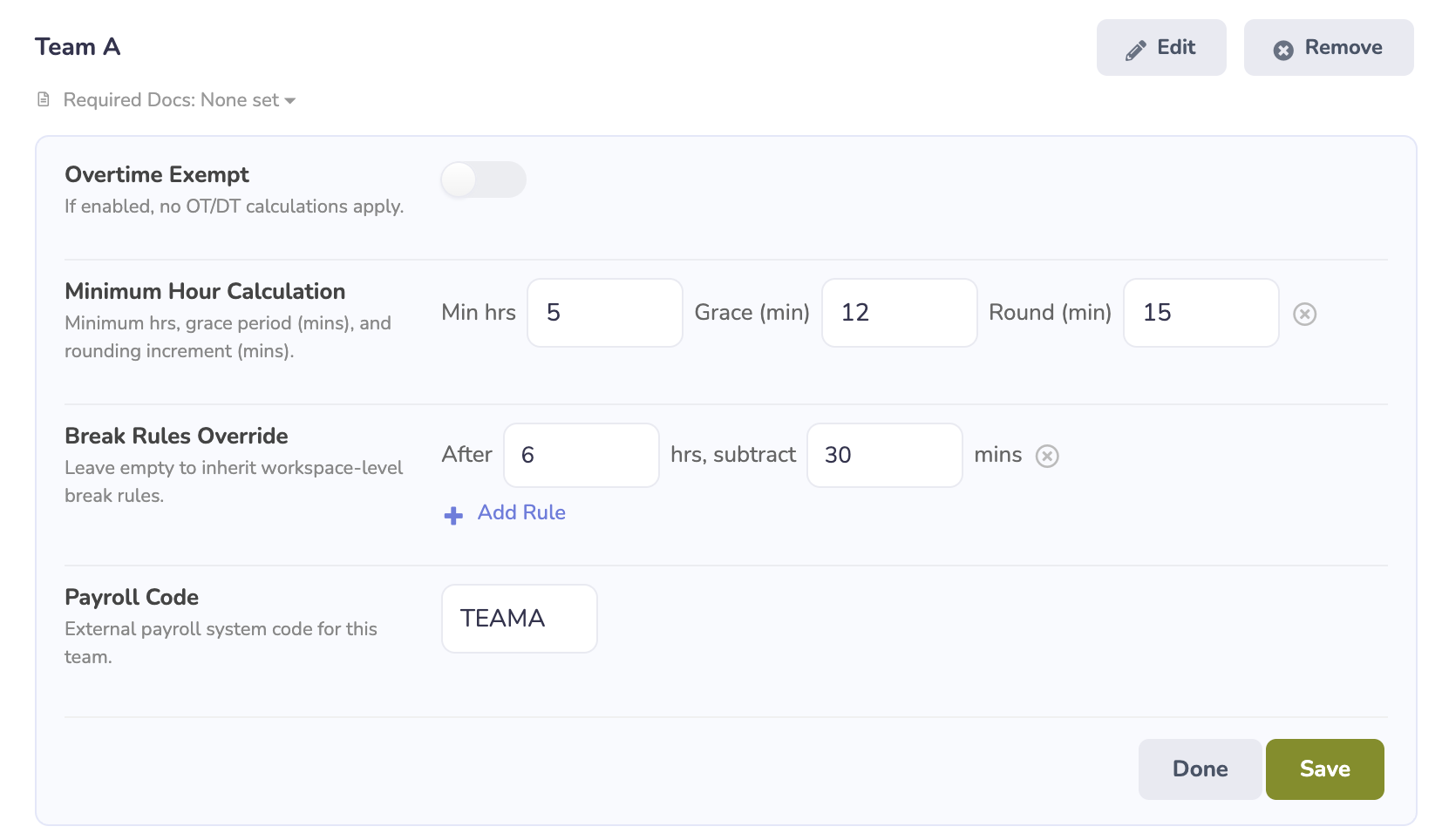
3) Configure your settings & hit Save.