
When invited to a Prospr ticket from an active Prospr user, you will receive an SMS or email notification that a ticket has been shared with you.
Example:
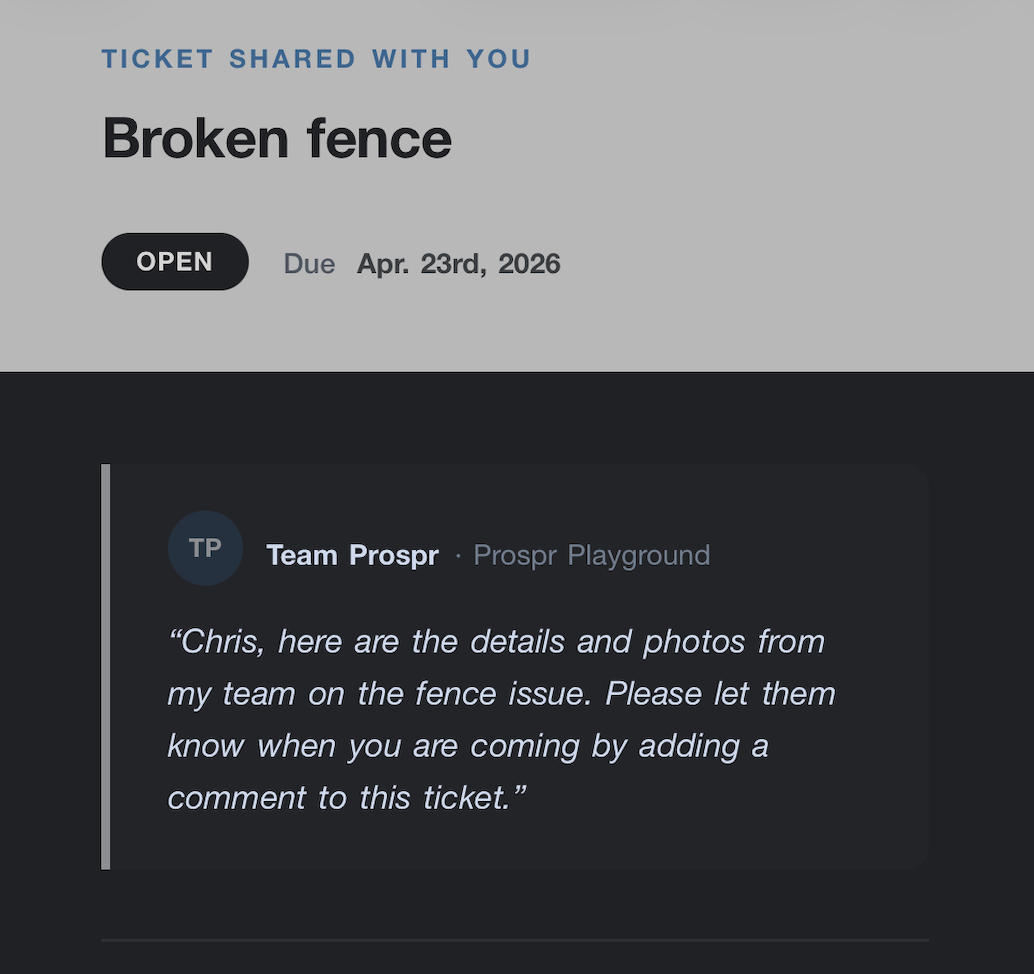
You will need to follow the secure link and verify your identity before you can view and contribute to this ticket.
Once verified, you can:
✓ View full ticket details, attachments, and notes
✓ Mark the ticket in progress and complete subtasks
✓ Add notes and upload photos of completed work
✓ See who’s assigned and how to reach them